For parents: class money without the WhatsApp questions
What you do, what you see and what it costs you.
ClassKasa costs a parent nothing and needs no app: you tap the treasurer's invite link, type your e-mail, confirm it with one tap in our e-mail, and once the treasurer lets you in you see what you owe and what is paid.
How you join the class
- Tap the invite linkThe treasurer shares it in the class chat or by e-mail.
- Type your e-mail and family nameNo password: one tap in the e-mail we send confirms the address is yours.
- The treasurer lets you inStraight away if they added your e-mail earlier; otherwise they approve your request.
What you see
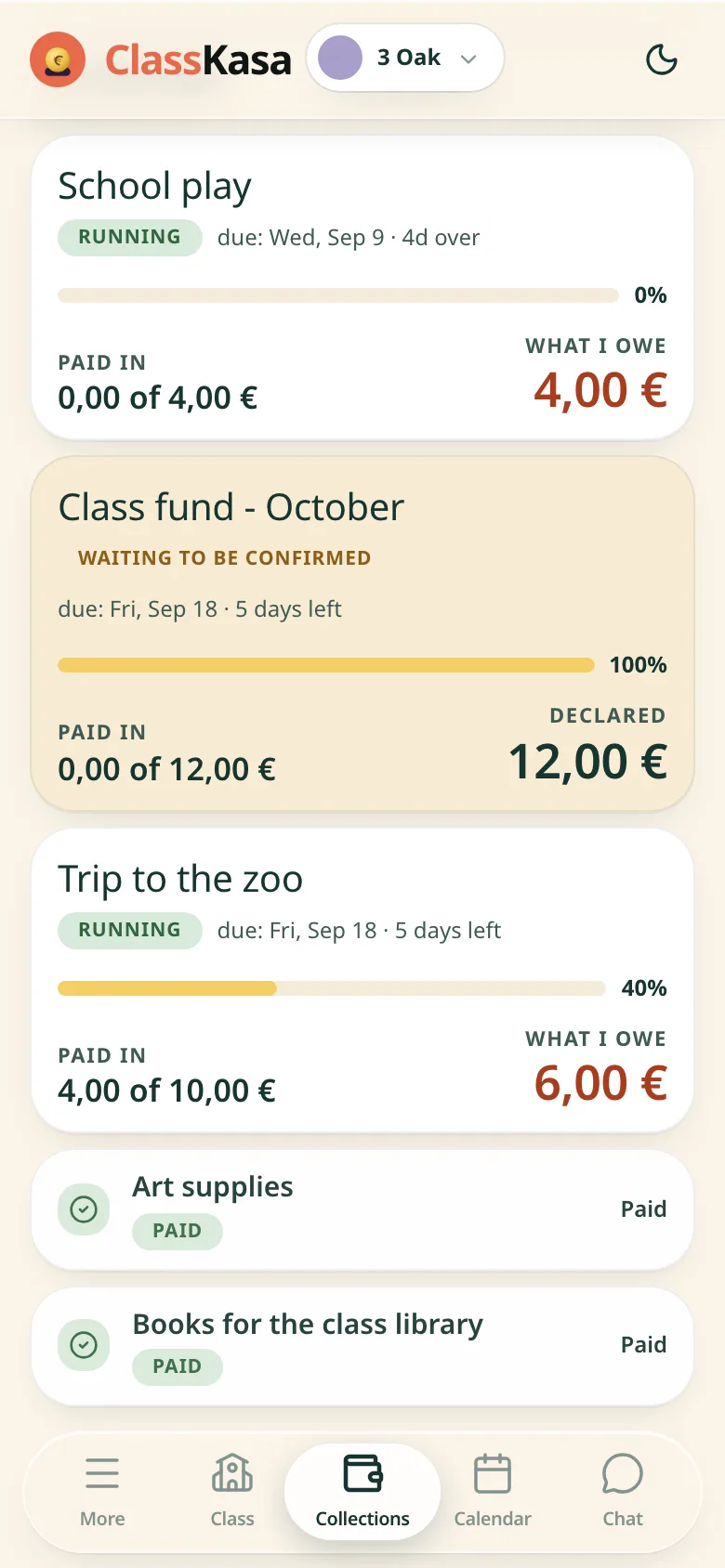
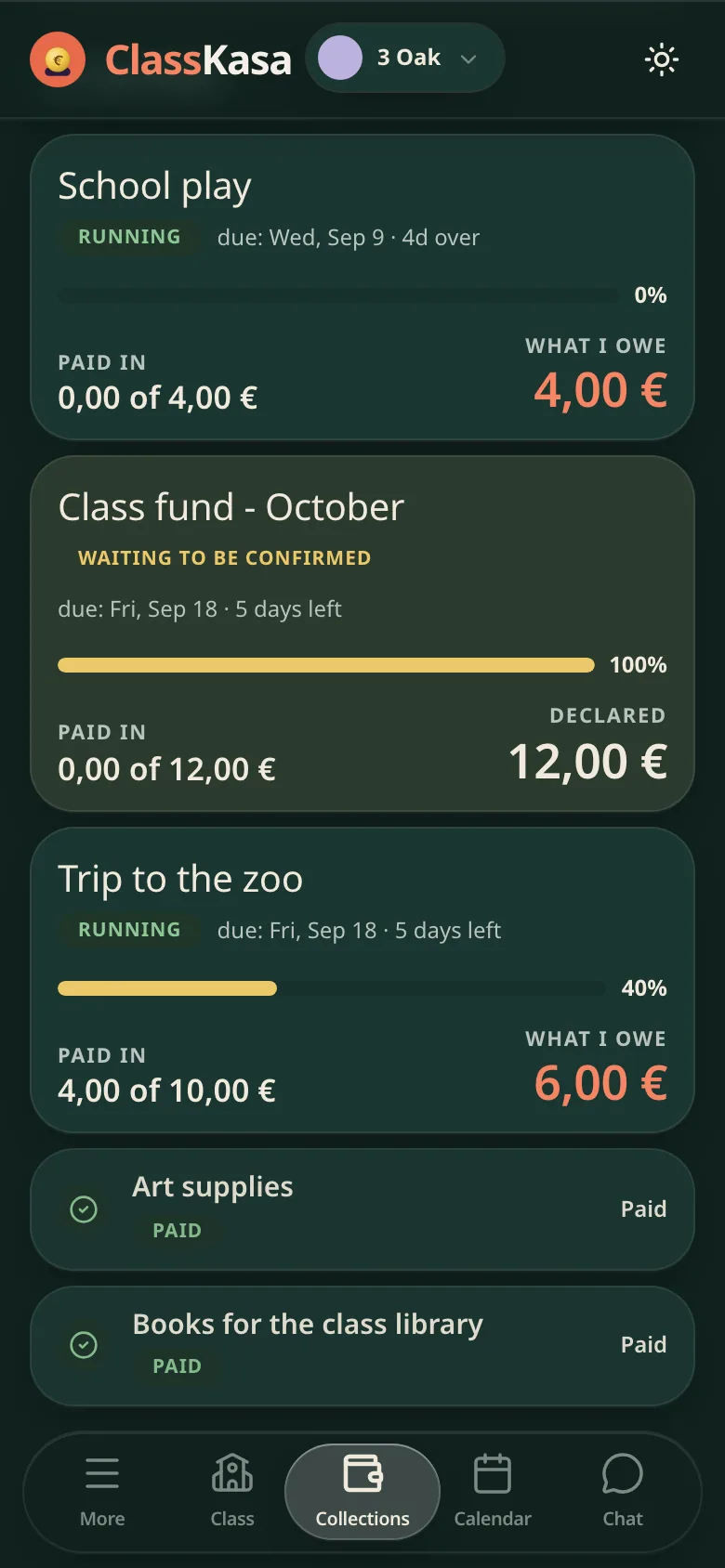
- What you owe and by whenEvery collection with its amount and deadline, in your language.
- What is already paidA payment shows up once the treasurer or the bank books it.
- "Has the transfer gone?"Tap it after you send the money, so nobody nudges you twice. It is a heads-up for the treasurer, not a payment.
- Your walletMoney paid ahead or overpaid waits there until you move it to the next collection.
Your family's privacy
- Only your familyOther parents never see what you paid; the treasurer and the co-treasurer see the class list.
- Public pages show no namesA shared collection page shows the progress and the bank details, never a family name.
When the class has Premium
These come with Premium, which the treasurer turns on for the class.
- Up to 4 adults per familyWith Premium, both parents or a grandparent see one shared balance.PREMIUM
- Phone notificationsWith Premium: a new collection, changes, and reminders 2 days before the deadline, on the day and 2 days after.PREMIUM
- Class calendarWith Premium, trips and deadlines, in your phone's calendar too.PREMIUM
- Class chatWith Premium, ask "have I paid for the theatre?" and get an answer from your family's data.PREMIUM